

Bring stock data in with a review step.
Use the inventory-import workflow to map and verify incoming product data before adding it to inventory.
AT YOUR SHOP
Inventory import
Prepare an existing product list and review handset and quantity fields before it enters the shop inventory.
How you use it
- 01
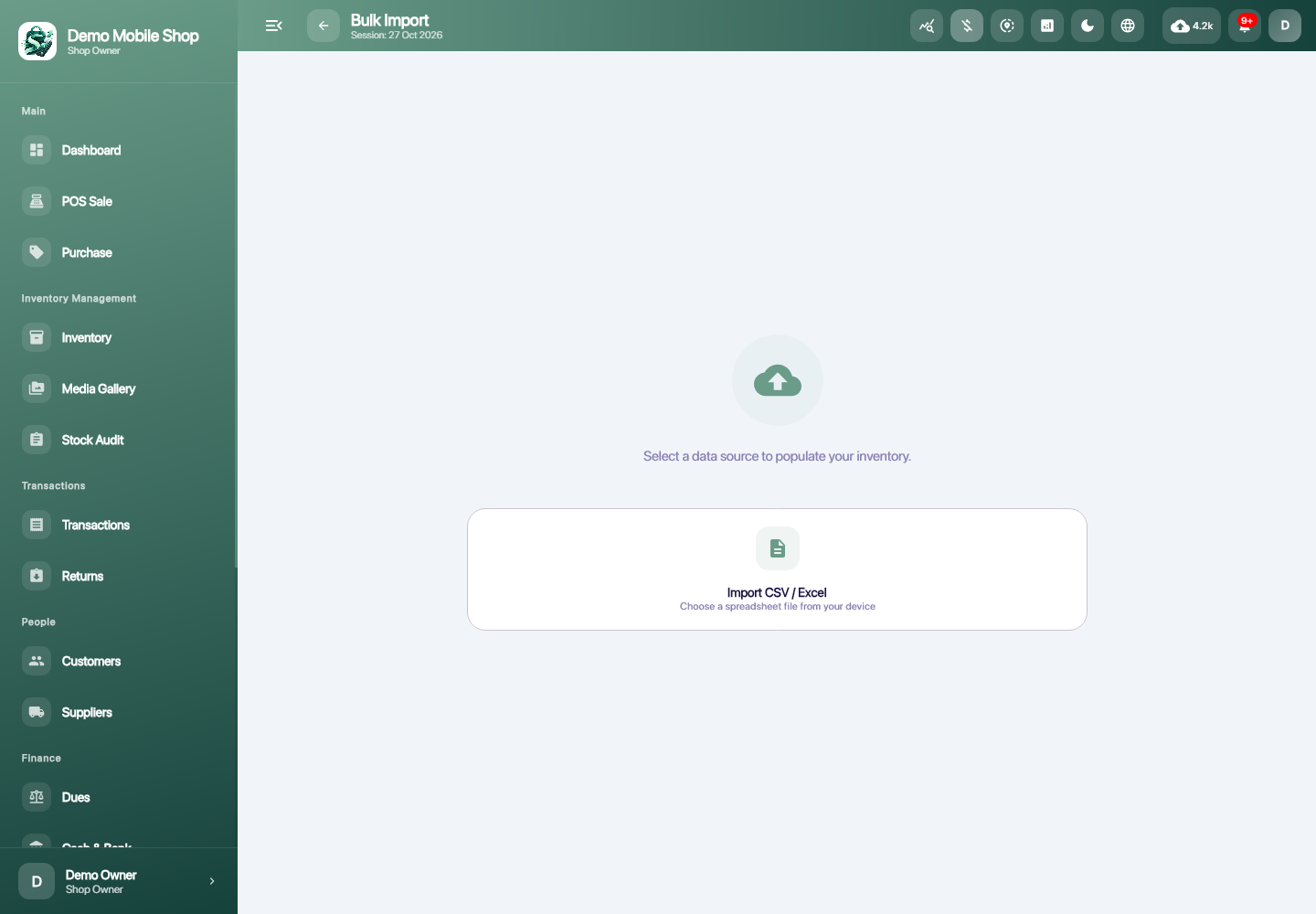
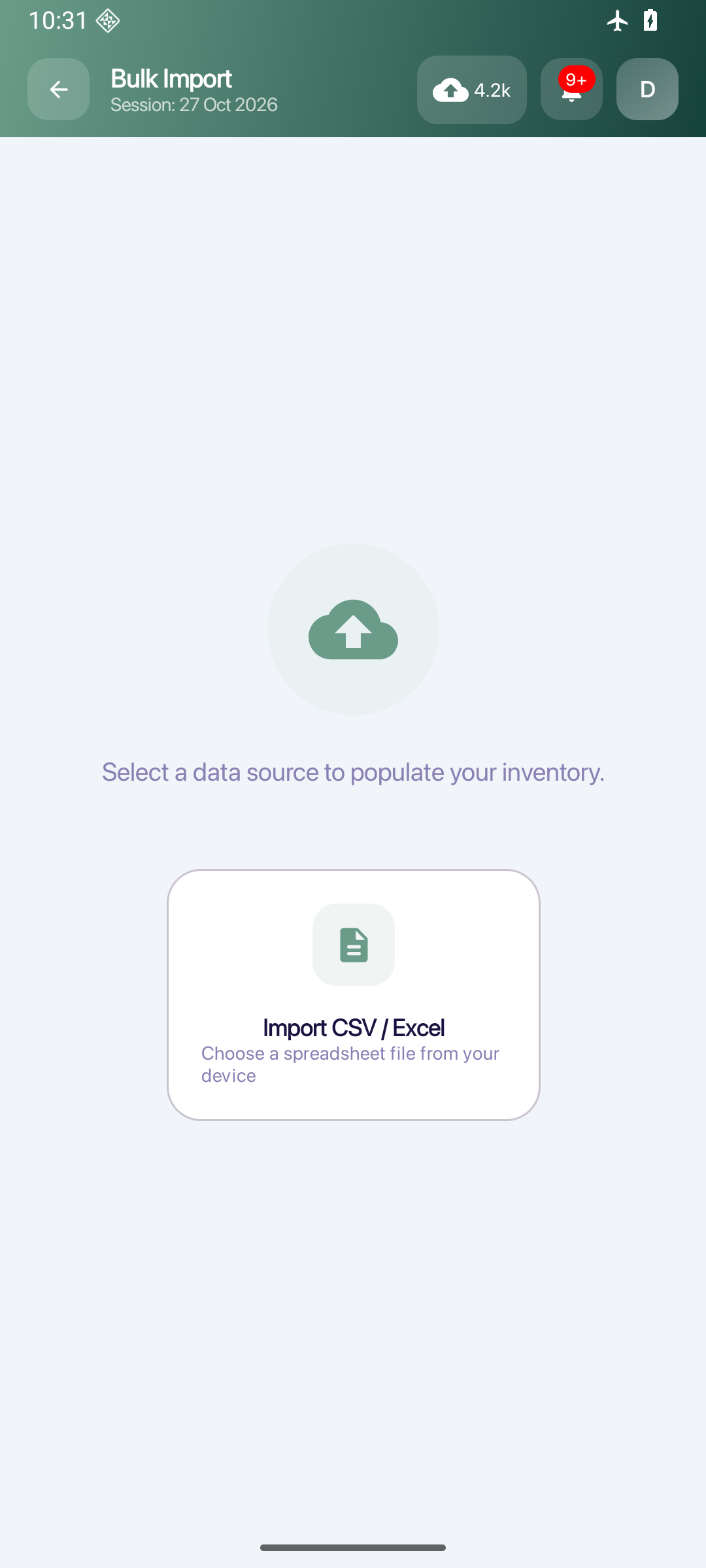
Select a supported input source.
- 02
Map the fields and review the interpreted rows.
- 03
Verify the data before importing it.
LET’S TALK