
Mobile shop management, in one place
Your counter. Your stock. Your whole shop.
From the first handset to the last installment: bring sales, IMEI inventory, repairs and customer accounts together on Android and Windows.
Authorized account required. Initial sign-in and periodic access checks need internet.
BUILT FOR THE SHOP FLOOR
One busy day.
Everything connected in your records.
Explore the real app, one everyday workflow at a time.
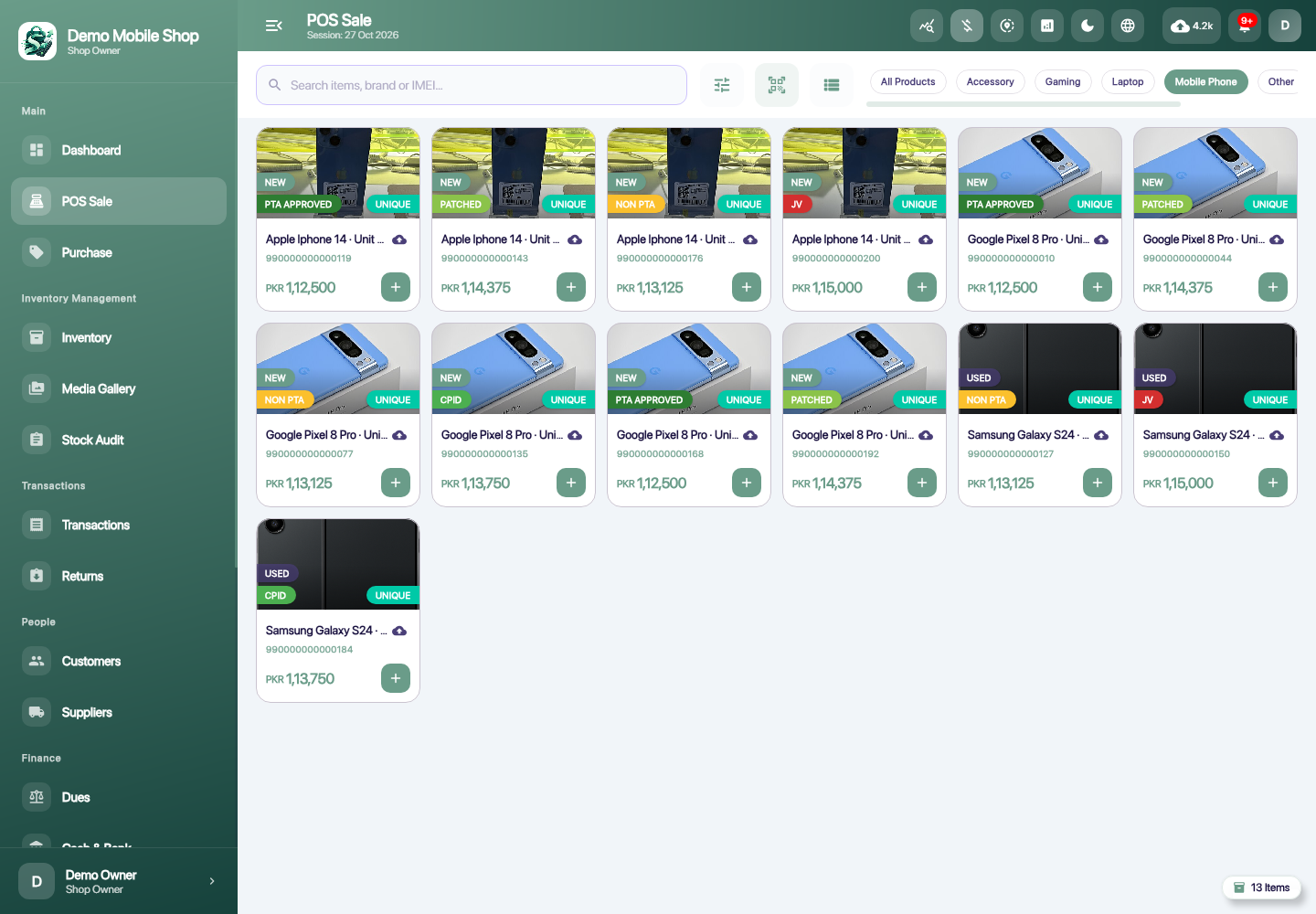
From the handset to the receipt.
Build a sale from your stock, record the amount received and keep any remaining customer due with the transaction.
- Choose the handset or accessories.
- Review the cart, customer and payment details.
- Complete the sale and open its receipt.
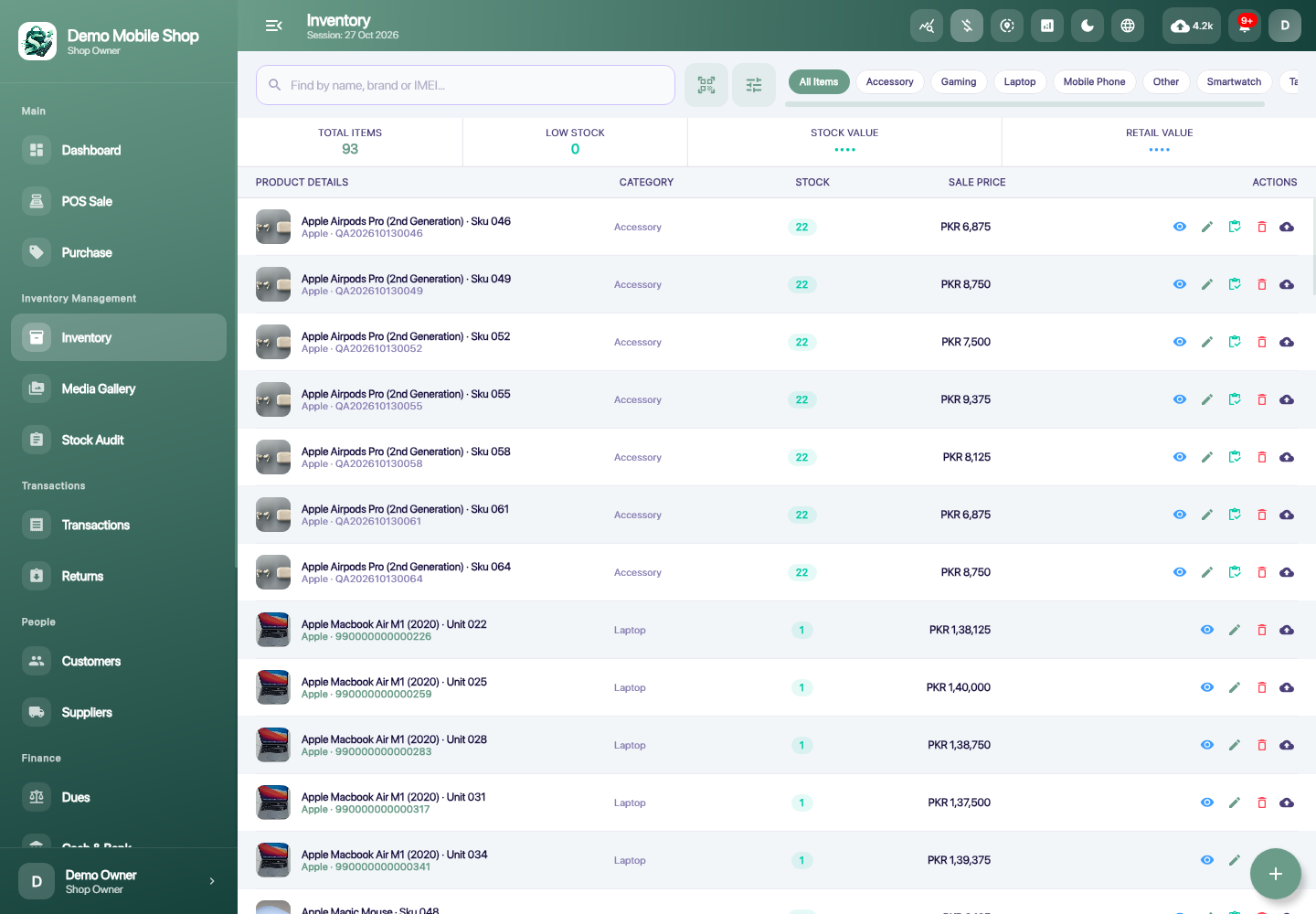
Every handset has its own story.
Track individual phones separately from quantity-based accessories. Keep product details, IMEI, condition and recorded PTA status with the item.
- Add a handset as an individual item or accessories as quantity stock.
- Save the product details and images.
- Review availability before selling or counting stock.
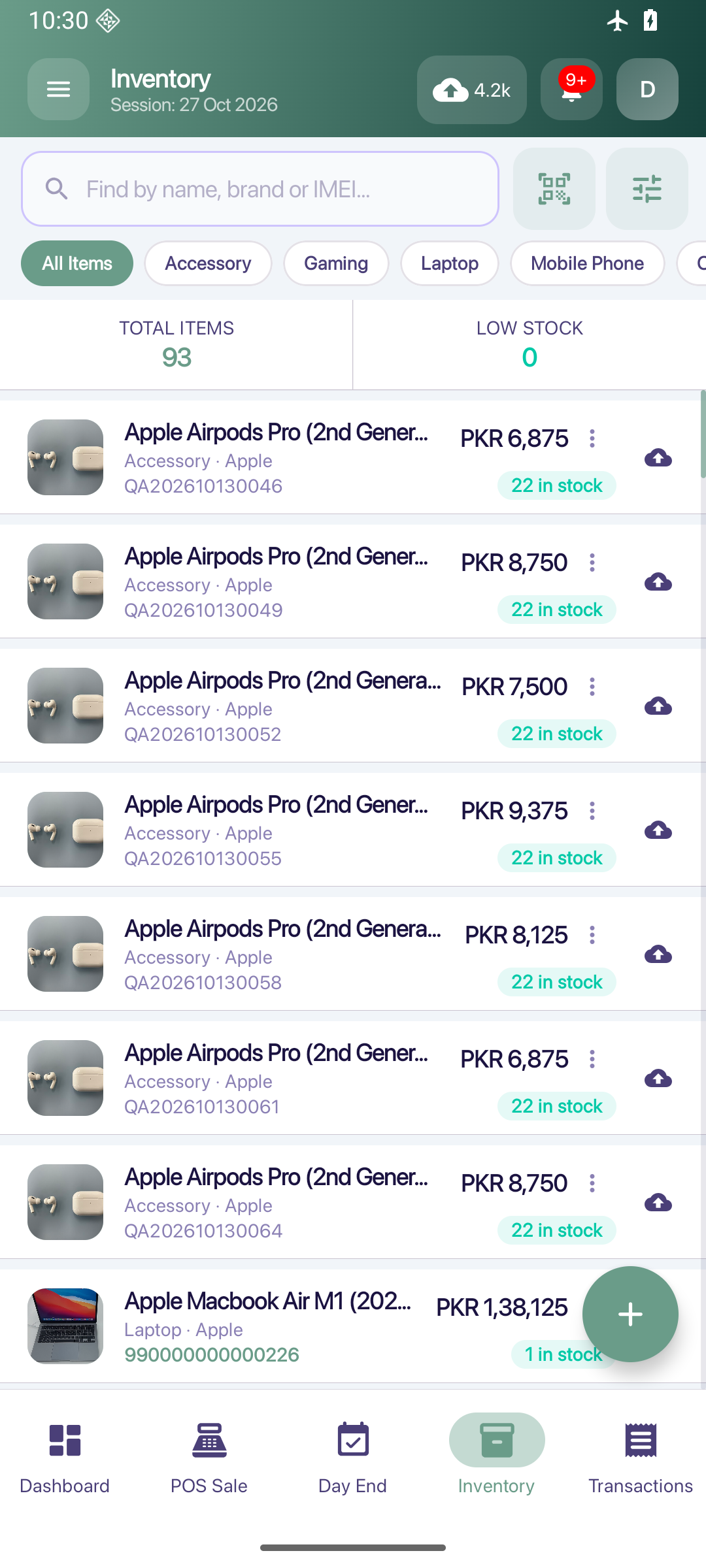
The plan. The collection. The balance.
Create installment plans and keep partial collections, collection history and remaining principal in the installment workflow.
- Create a plan and its payment schedule.
- Record a full or partial collection.
- Review covered installments and remaining principal.
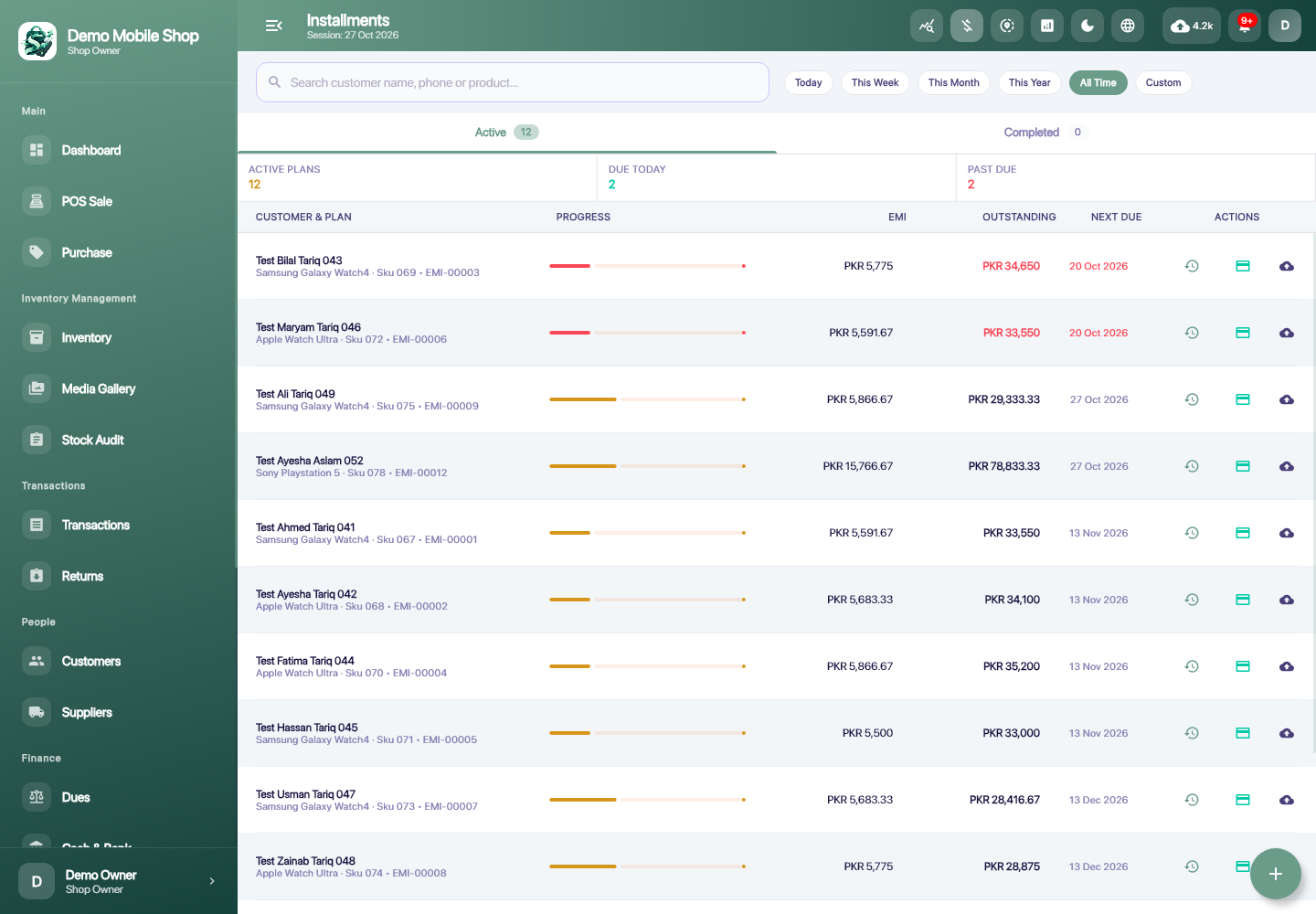
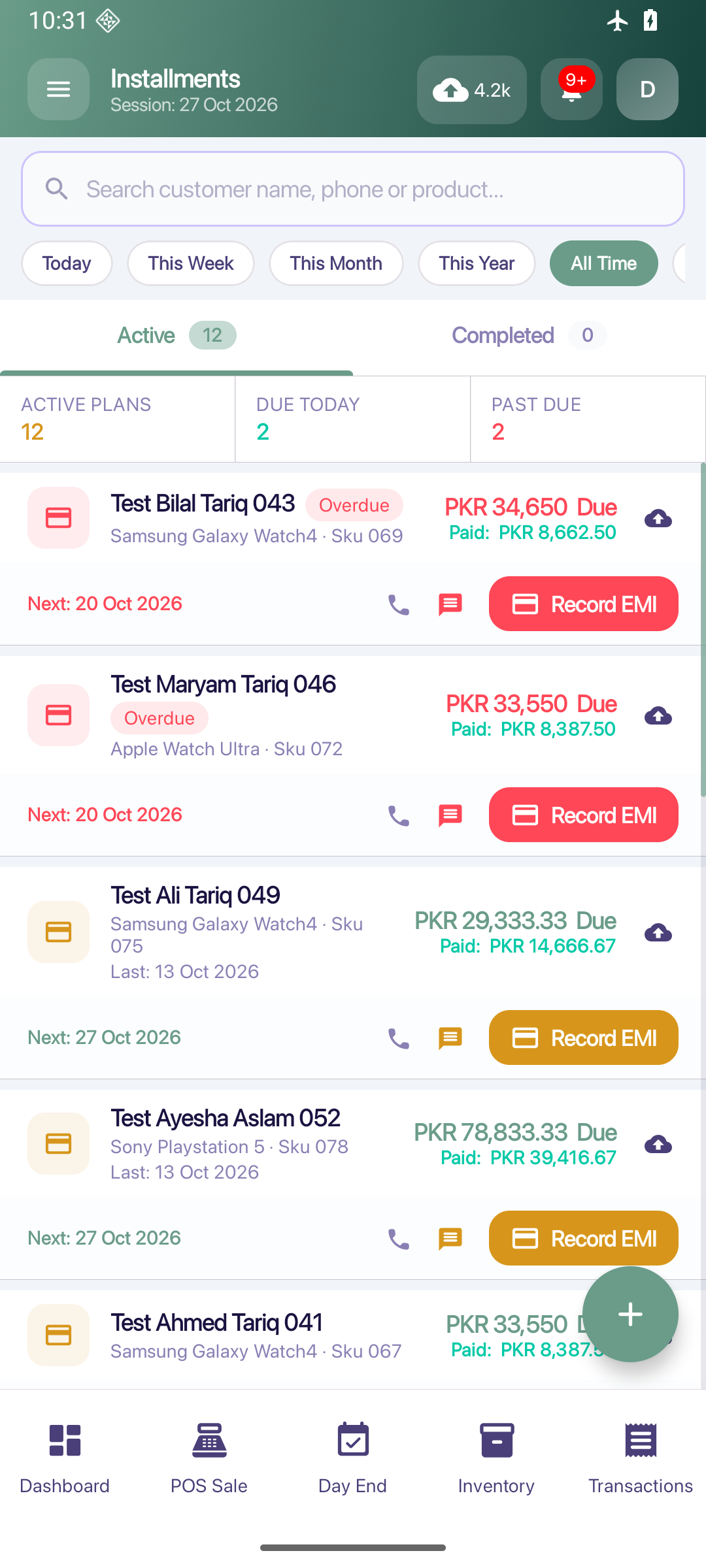
Follow a repair from intake to collection.
Keep the device, requested work, job status, charges and payment records in one repair workflow.
- Record the device and requested repair.
- Update the job as work progresses.
- Review completion, charges and payment within Repairs.
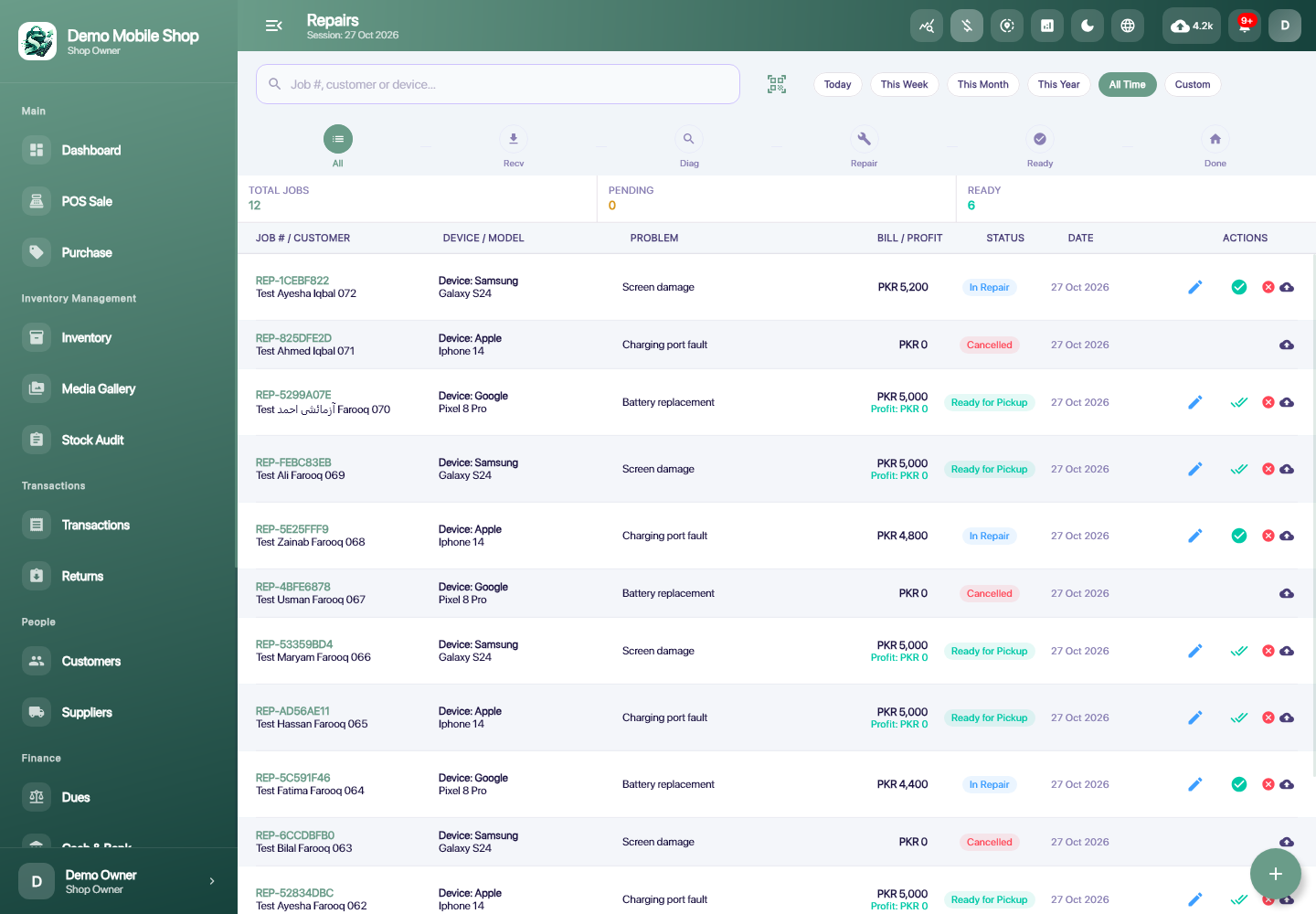
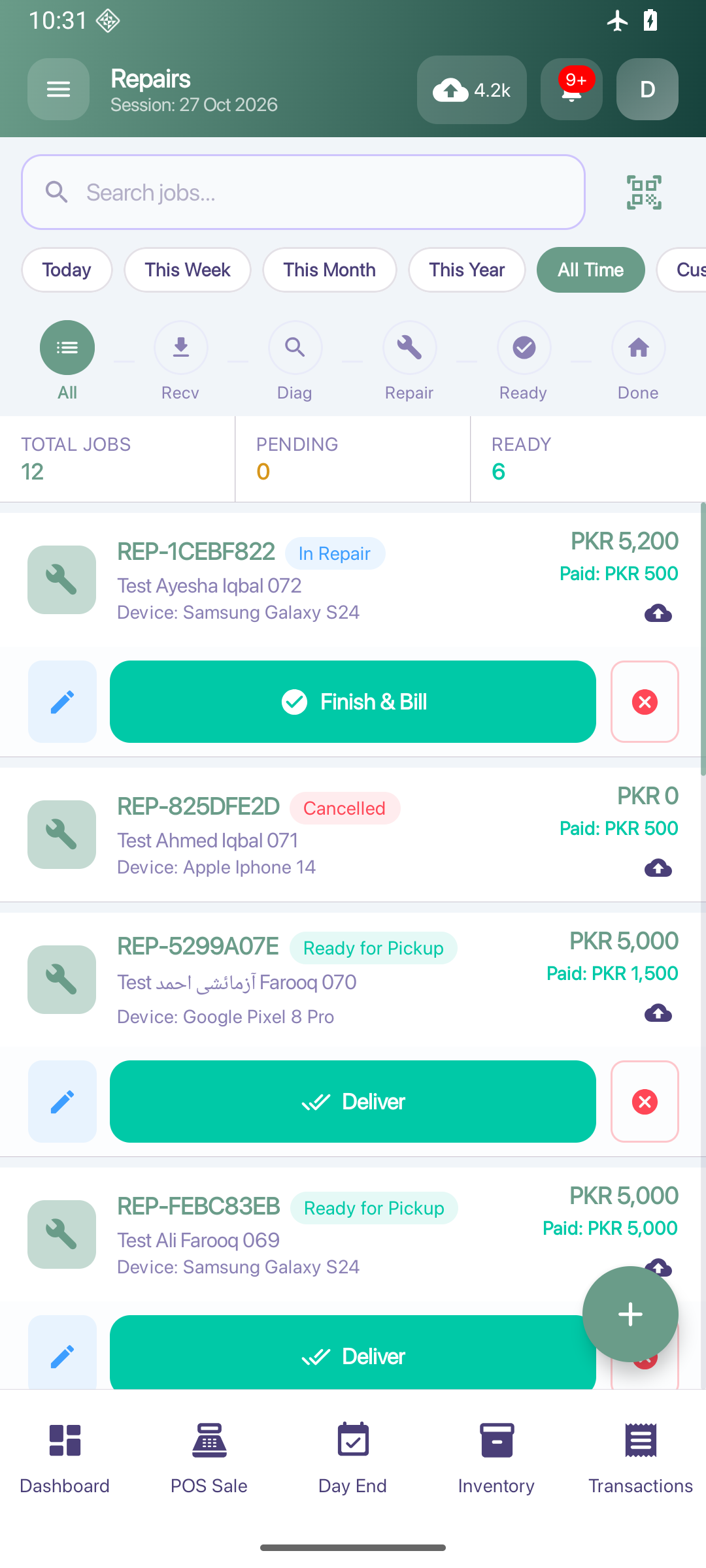
Check the shelf against the record.
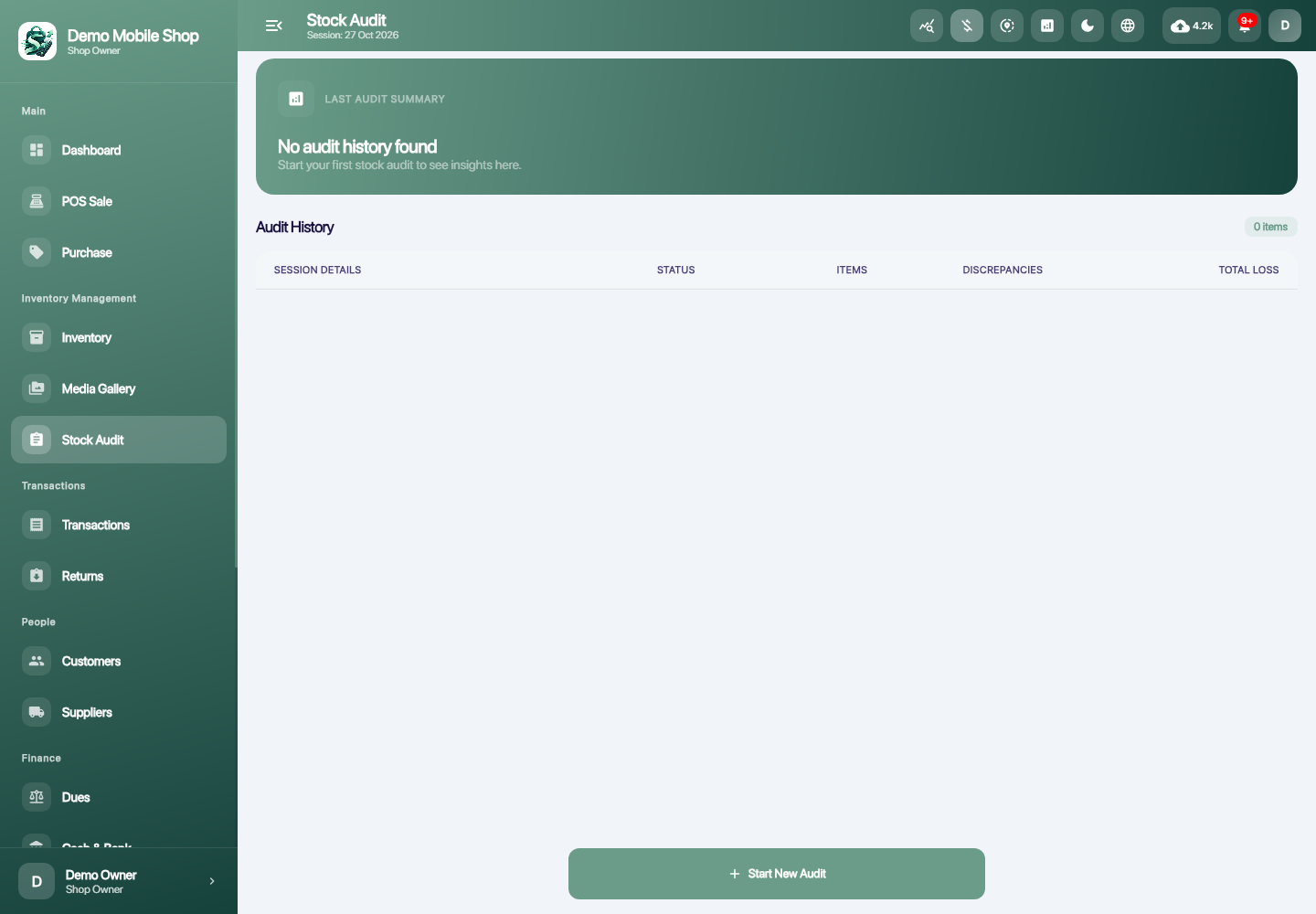
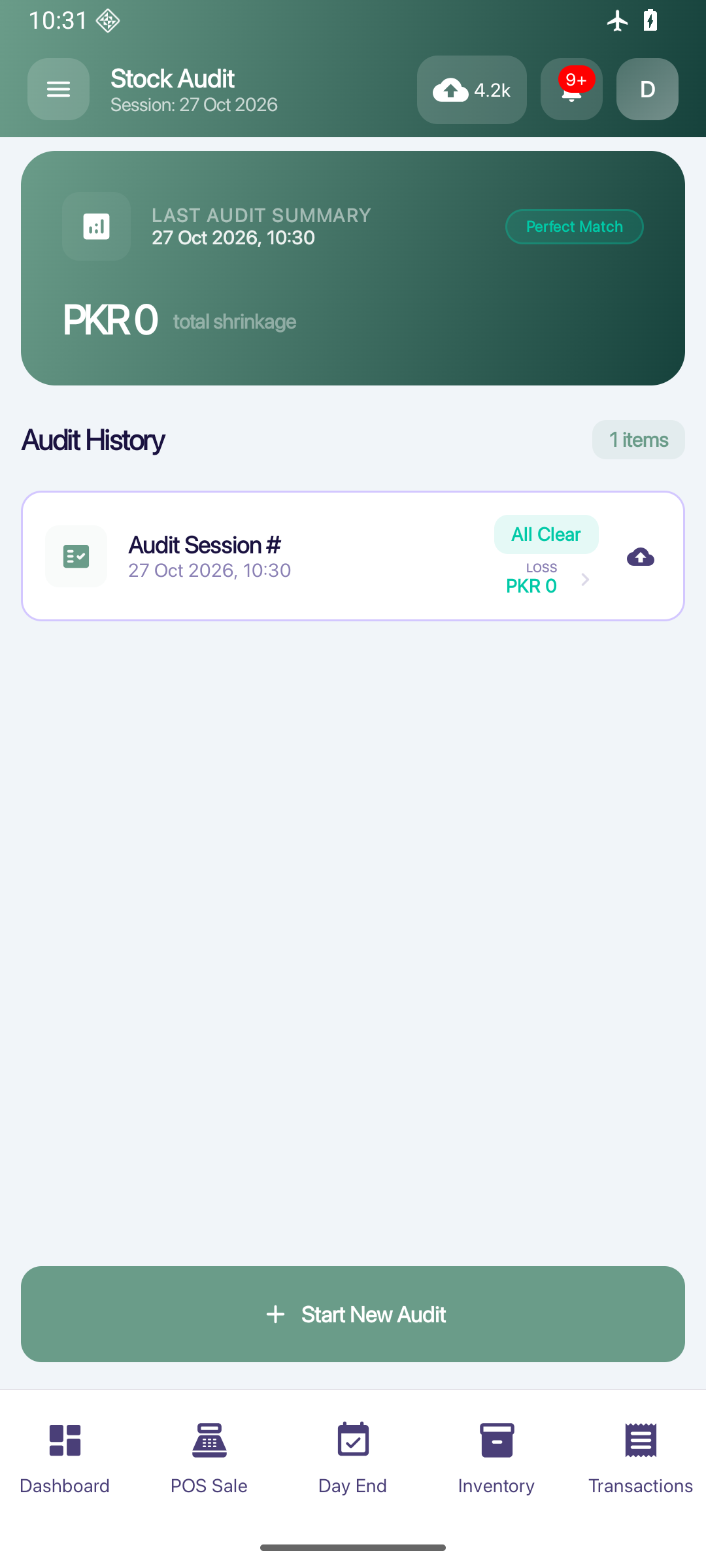
Run stock-count sessions, compare physical counts with recorded stock and review discrepancies before adjustments.
- Start a stock-count session.
- Enter the physical counts.
- Review discrepancies and the adjustment workflow.

LESS PIECING THINGS TOGETHER
The sale is only
the beginning.
A handset leaves the shelf. A payment comes in. A repair changes status. Keep the story with the record, so tomorrow’s work starts with a clearer picture.
Explore all featuresAT THE COUNTER. AT THE DESK.
A bigger view,
when you need it.
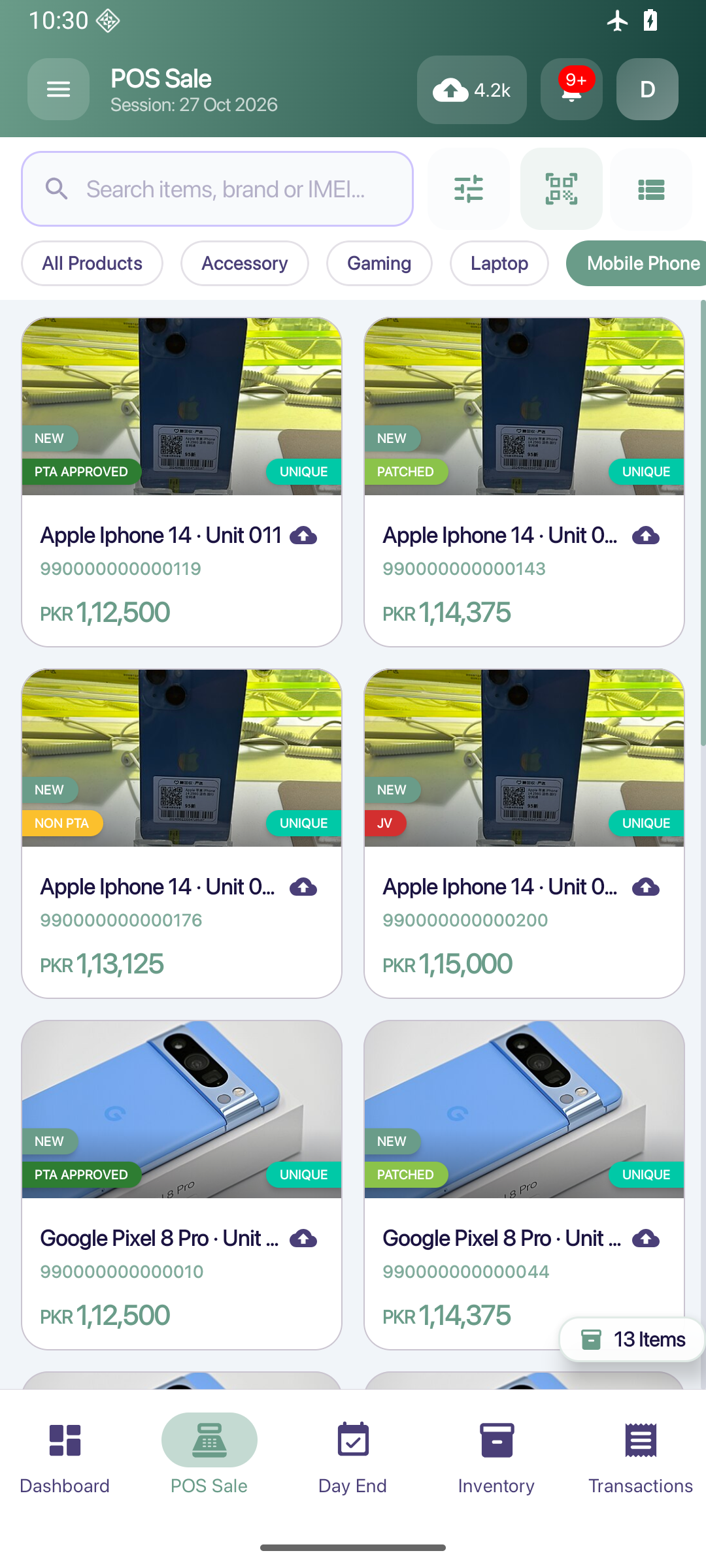
Use ShopFlow on Android or Windows. Review inventory and reports on a larger screen, with the same shop-focused workflows.
A viewing device reads a restored backup. Device access is controlled; this is not simultaneous live editing or automatic two-way sync.
YOUR RECORDS, WITH CLEAR BOUNDARIES
Local first.
Backups by choice.
Routine shop records are stored on your device. Choose local ZIP or Google Drive backups, review what is pending, and restore deliberately.
Understand backup & recovery- Shop work can continue offlineWithin your current access permission. Sign-in and periodic validation still require internet.
- Google Drive is optionalEncrypted backup payloads use a recovery key stored in the connected Google account. Protect that account.
- Local ZIPs need careLocal backup ZIP files are not encrypted. Restoring replaces local records; it is not a live merge.
THE PRACTICAL QUESTIONS
Know what to expect.
Is ShopFlow made for mobile shops?
Yes. It brings handset/IMEI records and quantity stock together with sales, customer accounts, installments, repairs, purchases and shop reporting. PTA status can be recorded; the app does not perform automatic government PTA verification.
Does it work without internet?
Routine shop work uses local records while your device access remains valid. First sign-in, periodic account/session validation, Google Drive and connected features need internet. Editing and viewing devices have different access periods; offline use is not unlimited.
Can two devices edit the same shop together?
ShopFlow uses controlled editing and viewing sessions. A viewing device refreshes from a backup; it does not edit the shop. This is not a live shared cloud ledger or automatic two-way synchronization.
Does it process card or wallet payments?
It records the payments you enter. Integrated banking, card, JazzCash, Easypaisa or Raast payment processing is not a launch claim.
Where can I get the app?
The downloads page shows the Windows USER installer and the Google Play listing status for Android. An authorized ShopFlow account is required; contact support for setup questions.