

Check the shelf against the record.
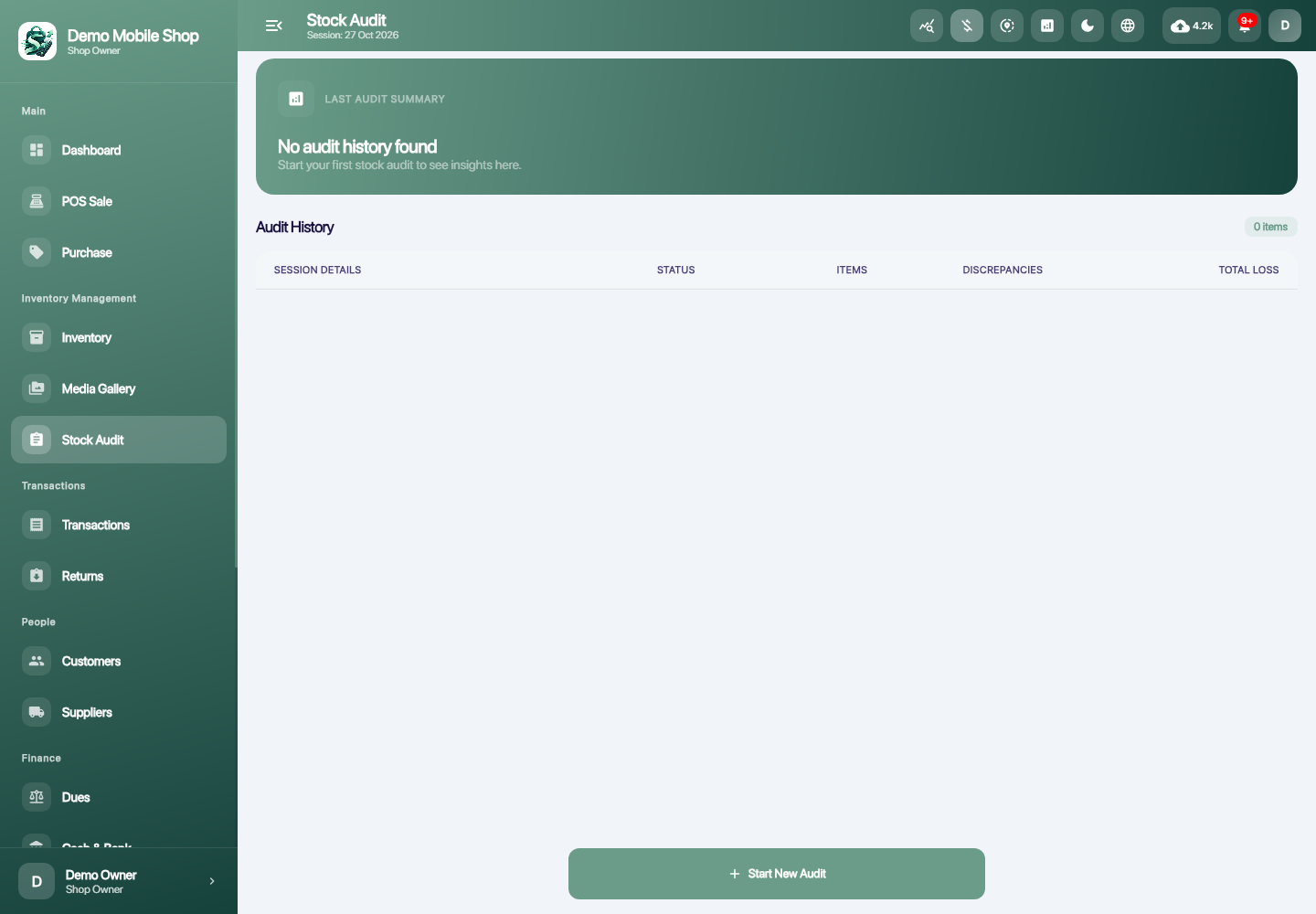
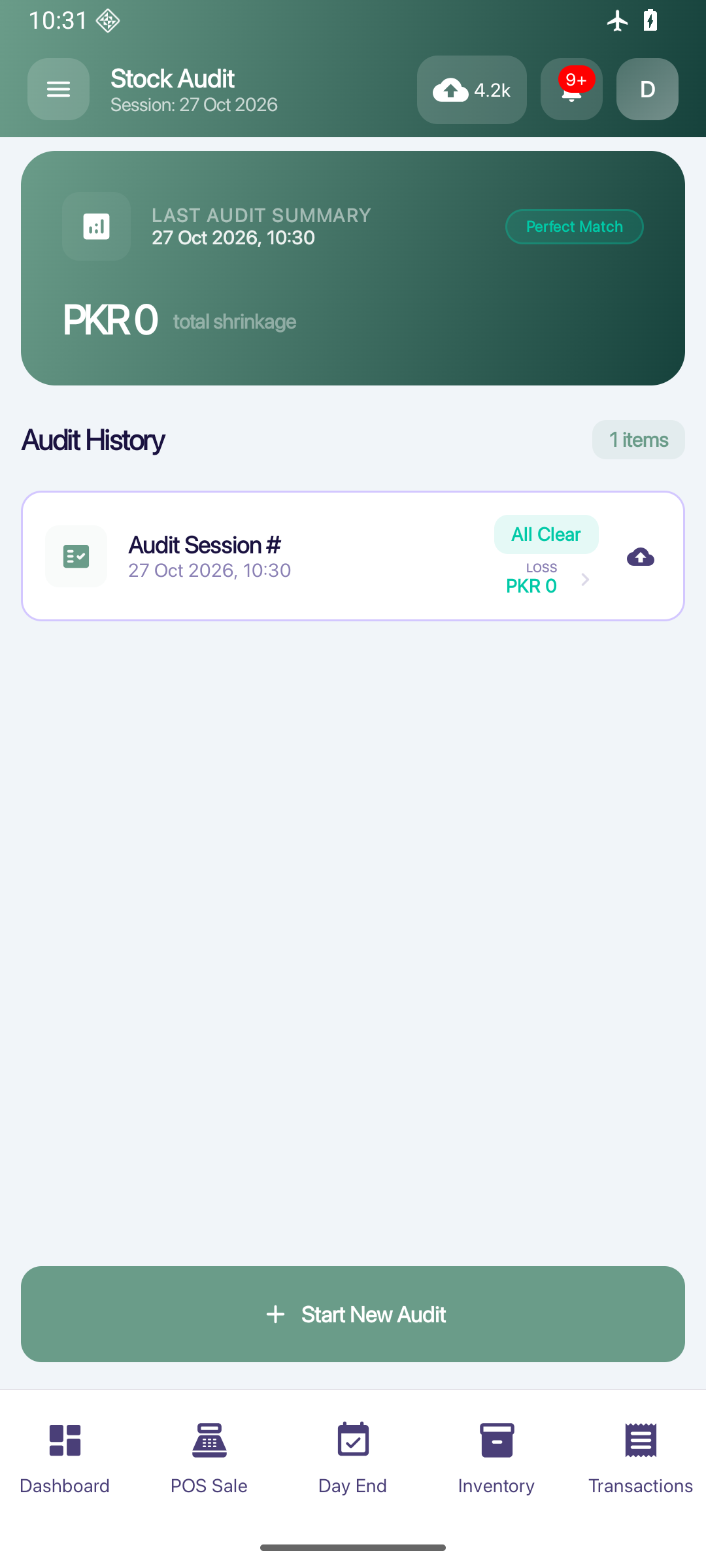
Run stock-count sessions, compare physical counts with recorded stock and review discrepancies before adjustments.
AT YOUR SHOP
Stock counts & audit
Count accessories at the end of a quiet period and investigate where the physical quantity differs.
How you use it
- 01
Start a stock-count session.
- 02
Enter the physical counts.
- 03
Review discrepancies and the adjustment workflow.
LET’S TALK