

A familiar way to work.
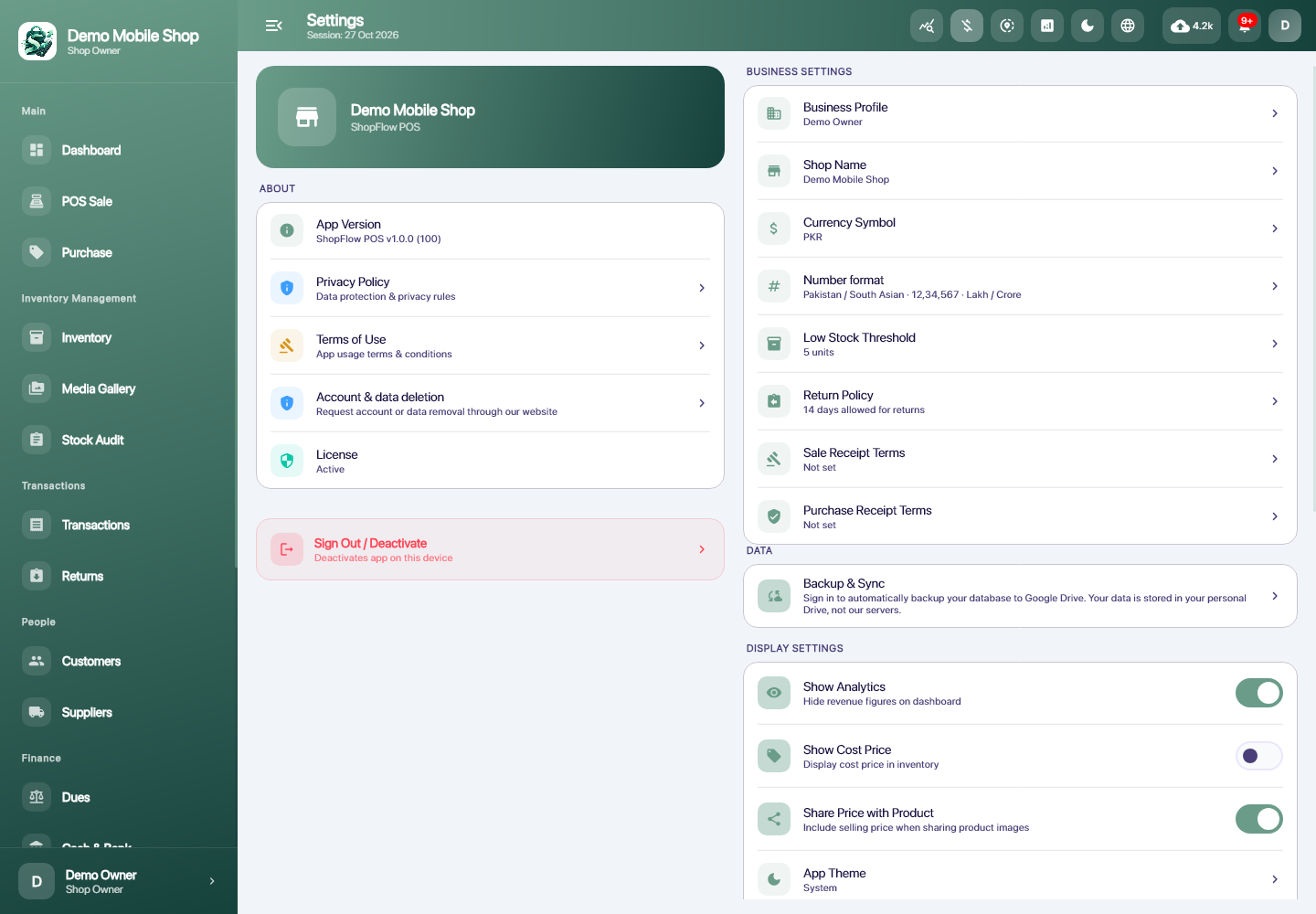
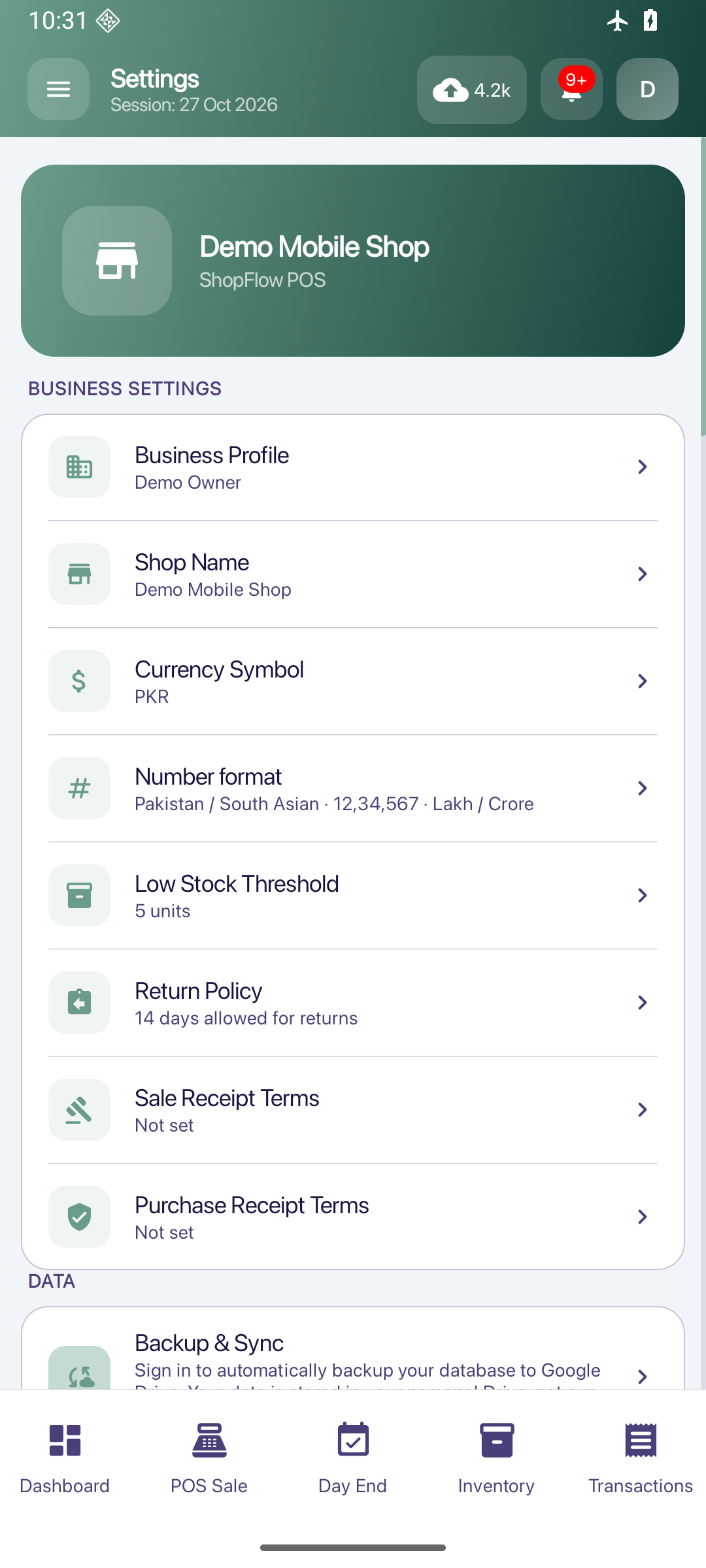
Set up shop details and preferences, and use the implemented English and Urdu application interfaces with light or dark presentation.
AT YOUR SHOP
English, Urdu & shop setup
Use the interface language you are comfortable with while keeping your shop details consistent.
How you use it
- 01
Set up the shop profile and preferences.
- 02
Choose the available language and appearance settings.
- 03
Check the output on your actual device or printer.
LET’S TALK